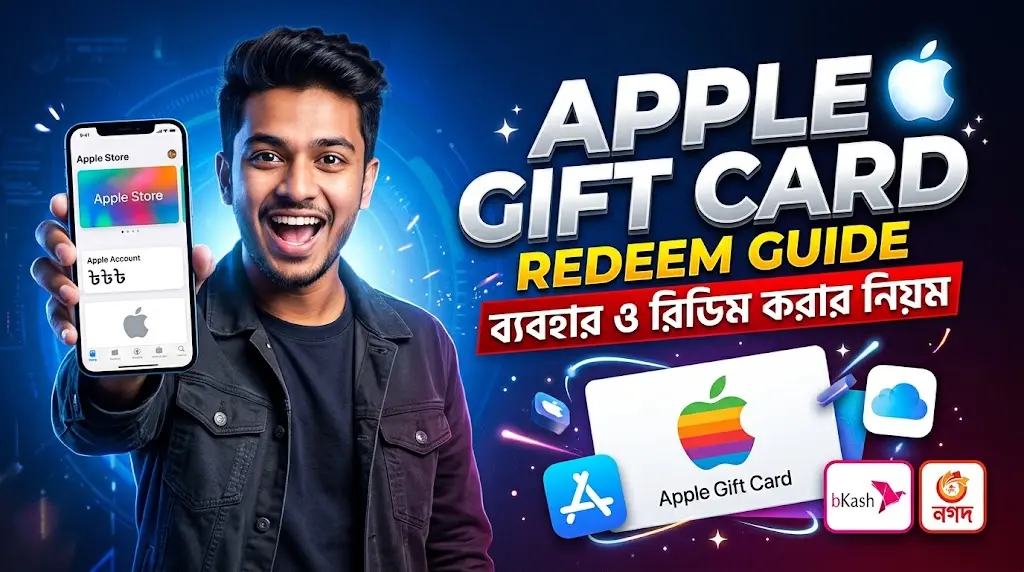
An Apple Gift Card can help iPhone users in Bangladesh pay for eligible App Store apps, games, Apple Music, iCloud+ and other Apple services. But the gift card must match your Apple Account country or region. Tech Haat currently sells USA-region Apple/iTunes Gift Card codes, so you need a compatible USA-region Apple Account to redeem one.
If your Apple Account is set to Bangladesh, do not purchase a USA card expecting it to work. First check your region, then decide which card is suitable.
Check Apple iTunes Gift Cards at Tech Haat
What Can You Use Apple Gift Cards for on iPhone?
An eligible Apple Gift Card can add funds to your Apple Account balance. Depending on the card type and account region, you can use this balance for:
- App Store purchases: Buy paid apps, games and eligible in-app upgrades.
- iCloud+: Pay for supported cloud storage subscriptions for photos, backups and documents.
- Apple Music: Pay for eligible Apple Music subscriptions.
- Apple TV and Apple Arcade: Access supported entertainment and gaming subscriptions.
- Other subscriptions: Pay for eligible apps that use Apple’s billing system.
Not every purchase accepts Apple Account balance, and some transactions may still require another valid payment method.
How to Redeem an Apple Gift Card on iPhone
- Open the App Store on your iPhone.
- Tap your account icon or profile picture.
- Choose Redeem Code or Redeem Gift Card or Code.
- Enter the digital code manually.
- Tap Redeem and follow the instructions.
- Check your Apple Account balance after redemption.
Important: A USA Apple Gift Card must be redeemed with a compatible USA-region Apple Account. Your physical location in Bangladesh does not automatically determine your Apple Account region.
You can find more detailed instructions in Apple’s official redemption guide.
Can You Buy Apple Gift Cards with bKash or Nagad?
Tech Haat offers local payment options for Bangladesh customers, including bKash, Nagad and Rocket, subject to checkout availability.
To order, visit the Apple Gift Card product page, select your preferred denomination, confirm your Apple Account region and complete payment.
After processing, the digital code is delivered through email. Always check the current delivery estimate before placing an urgent order.
What If Your Apple Gift Card Does Not Work?
If the code cannot be redeemed, check whether the account region matches the card, whether the code was entered correctly and whether it has already been redeemed.
If Apple reports that the card has not been activated, contact the seller with your order information.
Do not share your gift card code or Apple Account password with strangers.
Frequently Asked Questions
1. Can I use an Apple Gift Card on my iPhone in Bangladesh?
Yes, if the gift card type and country or region match your Apple Account and the purchase is eligible. Tech Haat’s currently listed Apple/iTunes gift card is for USA-region accounts.
2. Can a USA Apple Gift Card work with a Bangladesh Apple Account?
No. Apple gift cards are country- or region-restricted. A USA code cannot be redeemed on an Apple Account set to the Bangladesh storefront.
3. How do I redeem an Apple Gift Card on my iPhone?
Open the App Store, tap your account icon, choose Redeem Code or Redeem Gift Card or Code, enter the code and confirm. Use an Apple Account in the matching region.
4. Can I buy an Apple Gift Card with bKash in Bangladesh?
Tech Haat lists bKash as a local payment option for its digital Apple/iTunes gift card orders. Confirm the available methods at checkout.
5. Does Tech Haat accept Nagad or Rocket for Apple Gift Cards?
Tech Haat lists Nagad and Rocket alongside bKash. Payment availability may vary at checkout.
6. Can I pay for iCloud+ with an Apple Gift Card?
Eligible Apple Account balance can pay for supported iCloud+ subscriptions. Region compatibility and Apple’s payment requirements still apply, and some charges may need a valid payment method on file.
7. Can Apple Gift Cards be used for Apple Music or games?
Yes. Apple Account balance can pay for eligible Apple Music subscriptions, App Store games and in-app purchases, depending on the country and the particular transaction.
8. What if my Apple Gift Card says it was already redeemed?
Check your Apple Account balance first. If it was not added, keep the order receipt and contact the seller or Apple Support. Never share the full code publicly.
9. Can I withdraw Apple Gift Card balance to bKash?
No. Apple Account balance is for eligible Apple purchases; it is not a bKash cash balance and generally cannot be withdrawn or transferred as cash.
10. Is an Apple Gift Card the same as an Apple Store Gift Card?
Not necessarily. Card types and uses differ. Confirm that your card supports App Store and Apple Account balance redemption instead of assuming every Apple-branded gift card works for subscriptions.
Final Thoughts
An Apple Gift Card can be useful for iPhone users in Bangladesh who want to pay for eligible apps, games and Apple subscriptions.
But always check your Apple Account region before buying. If your account is set to Bangladesh, a USA-region gift card is not the right option.
Check Apple Gift Card availability at Tech Haat