



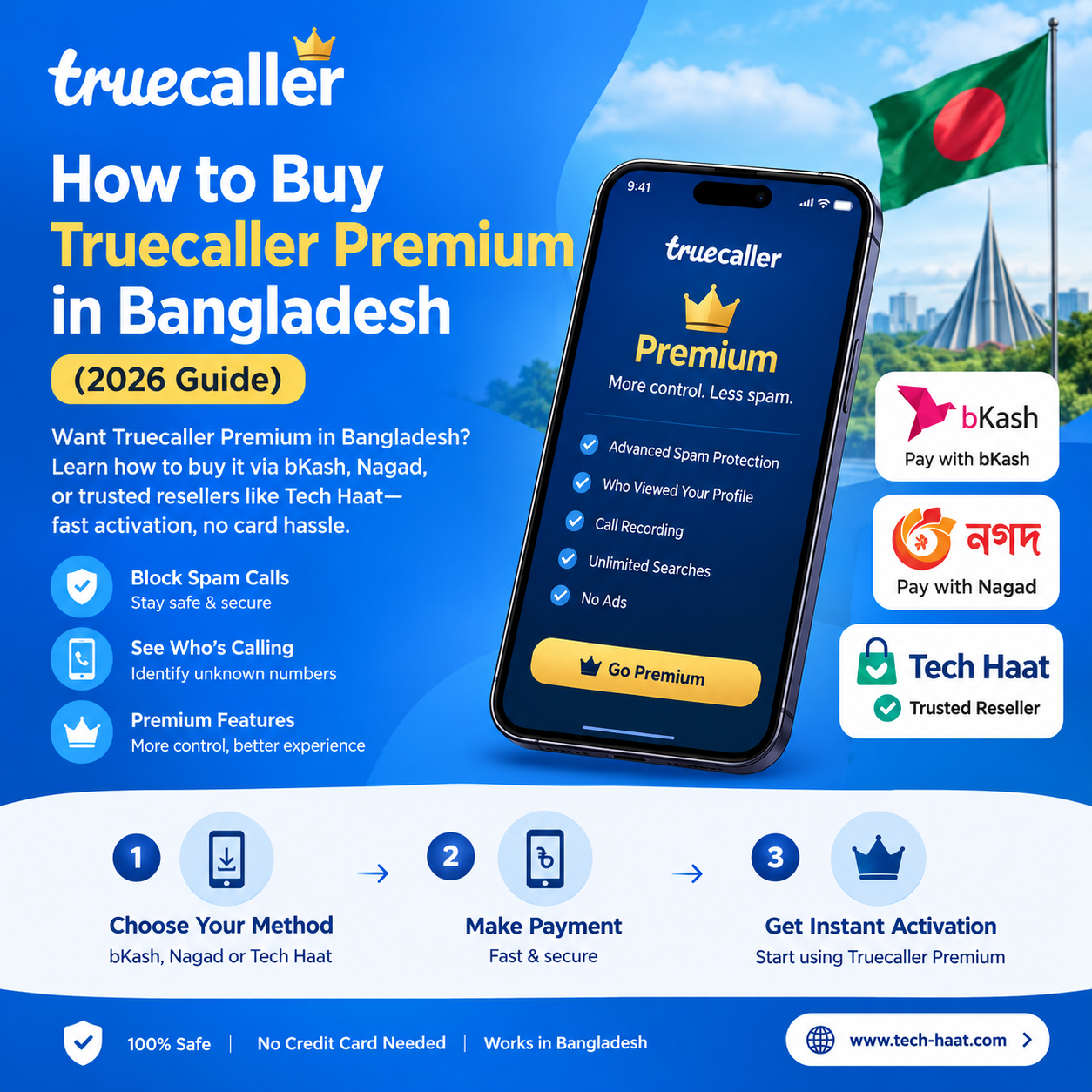
How Can I Buy Truecaller Premium in Bangladesh?

How to buy Truecaller Premium in Bangladesh can be purchased through the app’s in-app subscription, local payment gateways, or trusted resellers like Tech Haat, offering caller ID, spam blocking, and ad-free calling for a small monthly fee.
Why Everyone’s Suddenly Talking About Truecaller Premium
A few months back, a friend of mine—let’s call him Rafi—kept getting calls from random Dhaka numbers claiming he’d “won” a mobile recharge bonus. Classic scam setup. He ignored two, answered the third, and lost twenty minutes of his life listening to a stranger pretend to be from Grameenphone. That’s when he finally installed Truecaller and, a week later, upgraded to Premium.
That story isn’t unique. If you’ve ever hesitated before picking up an unknown number, you already understand why Truecaller has become almost as essential as the phone itself in Bangladesh. The free version does the basics fine — but Premium is where things actually get useful.
The tricky part for a lot of people here isn’t deciding whether to buy Truecaller Premium. It’s figuring out how, since Bangladesh isn’t always treated the same as bigger markets when it comes to payment options.
What You Actually Get With Truecaller Premium
Before jumping into the “how,” it’s worth being clear on the “why.” Premium isn’t just a badge next to your name. It unlocks:
Ad-free experience—no more banner ads interrupting your call screen
See who viewed your profile—genuinely useful if you’re curious about who’s been checking you out.
Advanced spam blocking—filters out a much higher percentage of scam and telemarketing calls
Priority customer support—actual responses instead of silence
Premium badge—shows up when you call others who also have Truecaller
Incoming call details—see extra info about who’s calling before you even pick up
For business owners, freelancers, or anyone juggling client calls, this stuff isn’t a luxury—it’s practical.
The Payment Problem Bangladeshi Users Run Into
Here’s the honest truth: Truecaller’s official app store subscription is designed around international payment methods—Visa, Mastercard, and sometimes PayPal. Not everyone in Bangladesh has a card that works smoothly with Google Play billing or Apple’s App Store. Some cards get declined for no clear reason. Others work once and then mysteriously fail on renewal.
I’ve personally seen this frustration play out in tech forums and Facebook groups dedicated to app subscriptions. People try three different cards, give up, and just keep using the free version—not because they don’t want Premium, but because the payment process feels like a maze.
This is exactly the gap that local platforms have stepped in to fill.
Buying Directly Through the Truecaller App
If you already have an internationally enabled debit or credit card, this is the most straightforward route.
Steps to Follow
- Open the Truecaller app on your phone.
- Tap your profile icon, then go to the “Premium” section.
- Choose a subscription plan—monthly, half-yearly, or yearly.
- Select your payment method (Google Play or Apple App Store billing).
- Confirm and complete the payment.
Simple enough, in theory. In practice, though, this is where many Bangladeshi users hit a wall—bKash and Nagad, the payment tools most people actually rely on daily, aren’t directly supported here.
Buying Through Local Resellers Like Tech Haat
This is where platforms like Tech Haat come in, and honestly, it’s the route most people I know end up choosing.
Tech Haat specializes in digital subscriptions and premium app services tailored for the Bangladeshi market—meaning they accept local payment methods that Google or Apple often won’t. Think bKash, Nagad, Rocket, and bank transfers, rather than forcing you to hunt down a working international card.
Why This Route Works Well
Local payment support—pay with mobile banking apps you already use every day
Faster activation—no waiting on card verification issues
Human support—if something goes wrong, there’s someone to actually message
Often cheaper—bundled or discounted pricing compared to standalone card payments
I’ll be upfront: always verify you’re dealing with a legitimate reseller before sending payment. Reputable ones like Tech Haat have an established online presence, clear contact information, and a track record of reviews—check for that before trusting any service with your subscription purchase.
A Quick Example
A colleague of mine runs a small online business and constantly deals with customer calls from unknown numbers. She didn’t have a card that worked with Play Store billing, so she reached out to Tech Haat through their website, paid via bKash, and had Premium activated within the same day. No card drama, no failed transactions—just a straightforward local transaction.
Gift Subscriptions and Redeem Codes
Some users import gift cards or redeem codes purchased abroad through friends or family traveling internationally. This works, but it’s inconsistent and not something most people can rely on regularly. It’s more of a backup option than a primary strategy.
Which Method Should You Choose?
It really depends on what you have access to:
Have an internationally active card that works reliably? Go directly through the app.
Prefer using bKash, Nagad, or local bank transfer? A trusted local platform like Tech Haat is the more practical choice.
Want fast activation without payment headaches? Local resellers tend to win here too.
There’s no single “correct” answer—just the one that fits your situation with the least friction.
A Few Honest Tips Before You Buy
Always double-check the subscription duration and renewal terms before paying.
Avoid unofficial sources offering suspiciously cheap “lifetime” premiums—these are almost always scams or account-sharing schemes that Truecaller can revoke at any time.
Keep your payment confirmation until you see Premium activated in your app.
If buying through a reseller, confirm activation happens on your own registered number, not a shared or generic account.
Final Thoughts
Buying Truecaller Premium in Bangladesh isn’t complicated once you know your options. If your card cooperates with international billing, the official app route works fine. But if you’re like most people here who live and breathe mobile banking apps, going through a trusted local service such as Tech Haat often turns out to be the smoother, faster, and more familiar path.
Either way, the peace of mind that comes from knowing who’s calling before you pick up? That’s worth the small monthly cost.
Frequently Asked Questions
1. Can I pay for Truecaller Premium using bKash in Bangladesh? Not directly through the official app, since Truecaller’s app store billing doesn’t support bKash. However, local platforms like Tech Haat accept bKash payments for Truecaller Premium subscriptions.
2. Is it safe to buy Truecaller Premium from a third-party website? Yes, as long as you’re using an established, reputable platform with verifiable contact details and customer reviews. Avoid random pages or social media sellers offering deals that seem too good to be true.
3. How long does Truecaller Premium activation take after payment? Through the official app, it’s usually instant. Through local resellers, activation is typically completed within a few hours to one business day, depending on the service.
4. Can I cancel Truecaller Premium anytime? Yes. If purchased through the app, you can cancel via your Google Play or App Store subscription settings. If purchased through a reseller, check their specific cancellation and renewal policy.
5. Does Truecaller Premium work the same on both Android and iOS in Bangladesh? Yes, core Premium features are consistent across both platforms, though some minor features may roll out at slightly different times depending on OS updates.
6. Is there a free trial for Truecaller Premium? Truecaller occasionally offers a short free trial period for new Premium subscribers, though availability can vary by region and promotional period. It’s worth checking the app directly for current offers.


